
Smart Forms + Workflow for Accounts Payable
Automate invoice approvals with conditional routing, ERP integration, and a complete audit trail — no more chasing paper through the approval chain.

The Accounts Payable problem
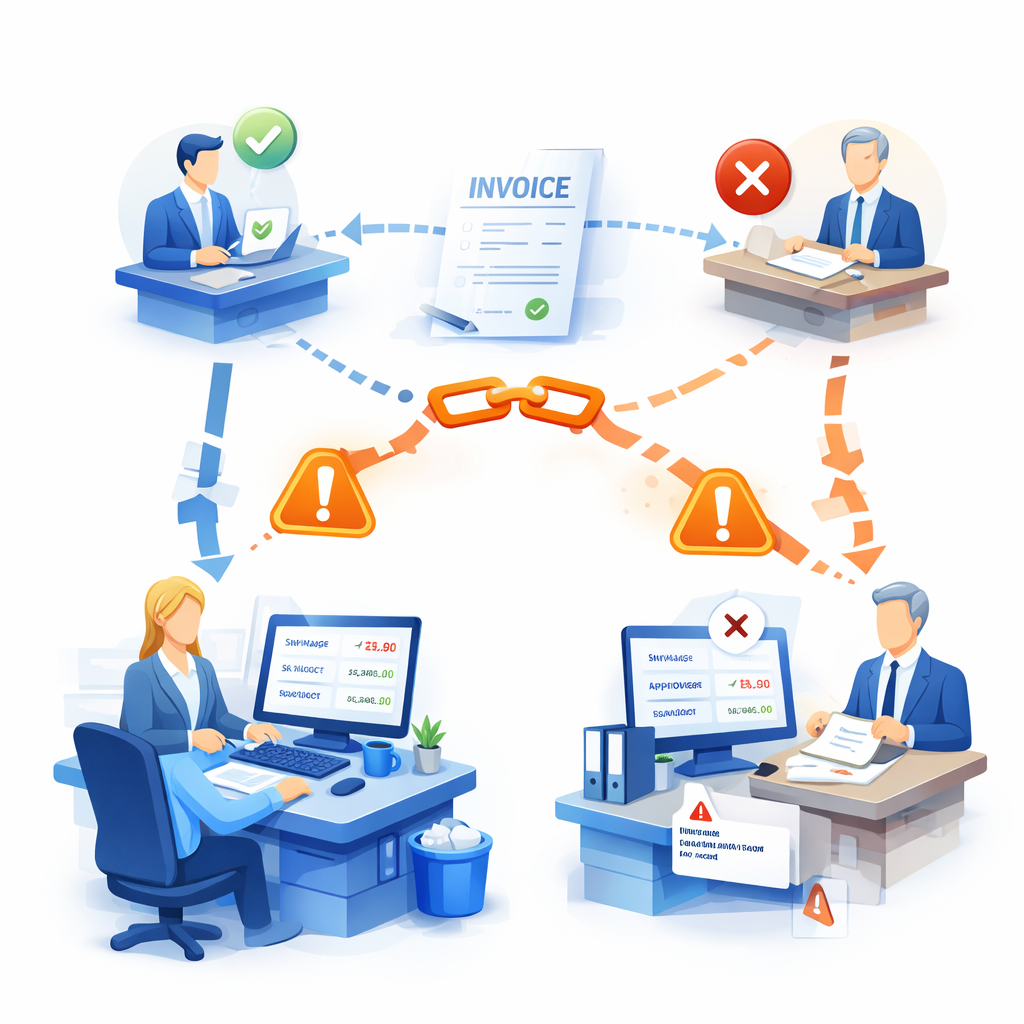
Invoices stall in the approval chain

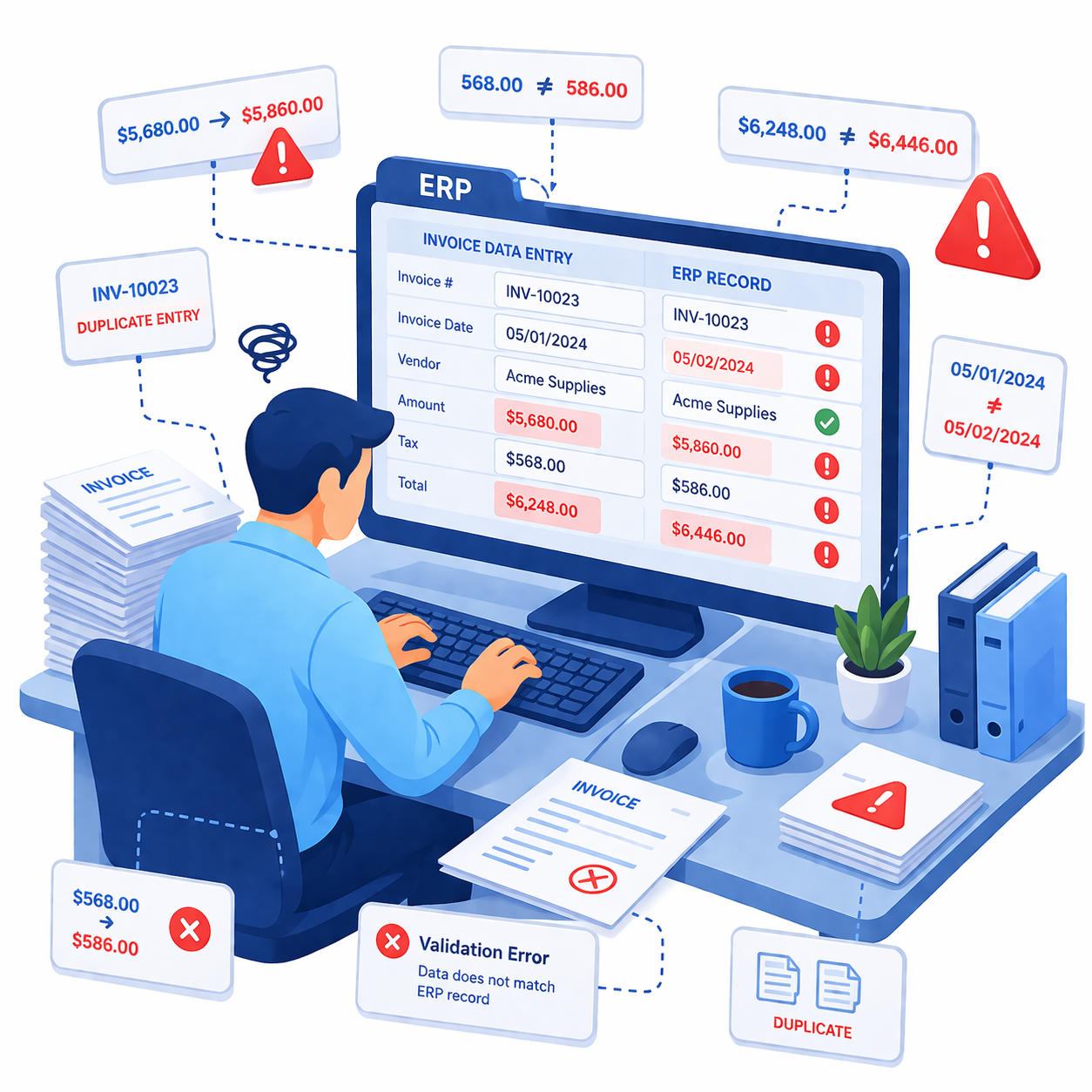
Manual data entry creates errors
No consistent enforcement of approval policies
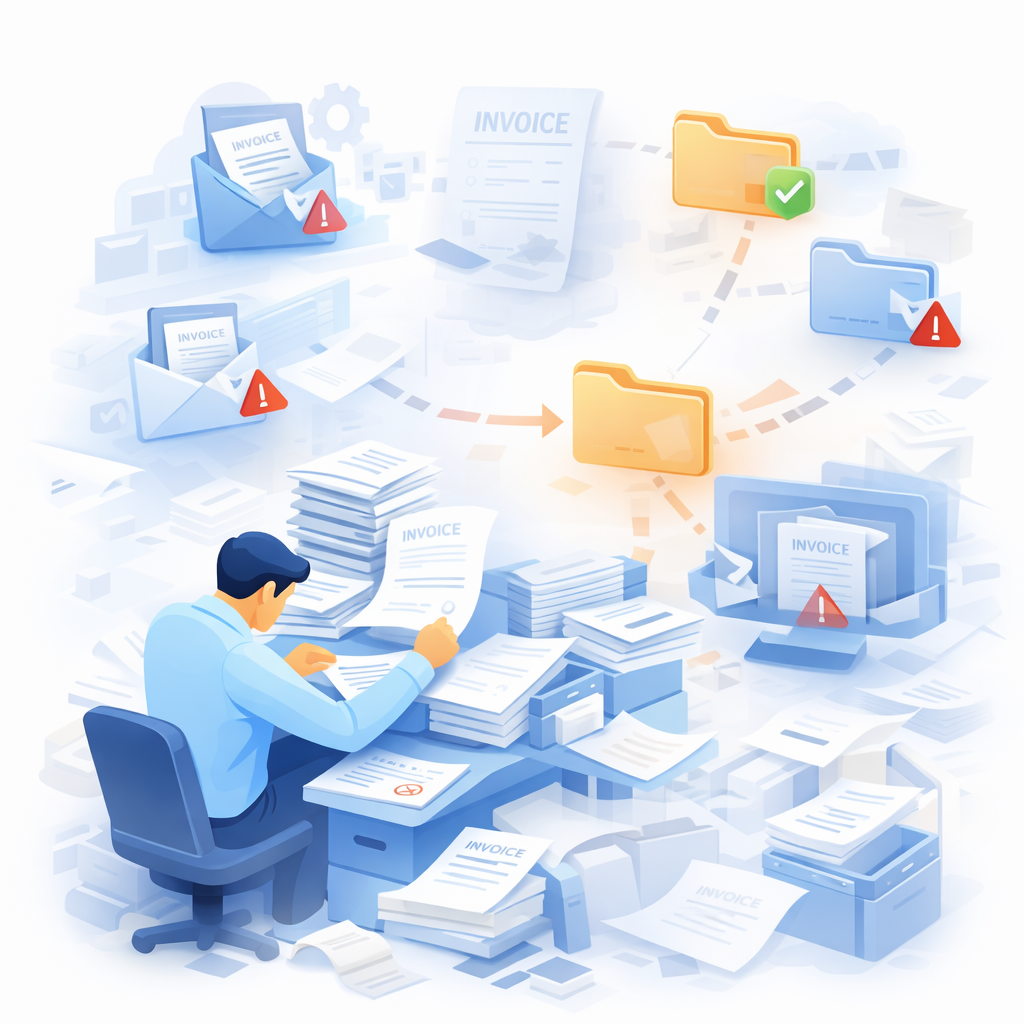
Paper invoices get lost
05
Audit trail is incomplete or manual

How Smart Forms + Workflow solves it
Capture invoice data electronically with validation
AP staff enter invoice data into an electronic form with built-in validation: required fields for vendor, invoice number, date, amount, and GL code. Format validation ensures invoice numbers and amounts are entered correctly. Dropdown fields for vendor name and GL codes can be populated dynamically from your ERP or accounting database, eliminating free-text entry errors. File upload fields let staff attach the original invoice image (PDF or scan) directly to the electronic record.
The form can also include calculated fields — for example, automatically summing line item amounts and comparing the calculated total to the entered total, flagging discrepancies before submission.

Route approvals automatically based on dollar amount
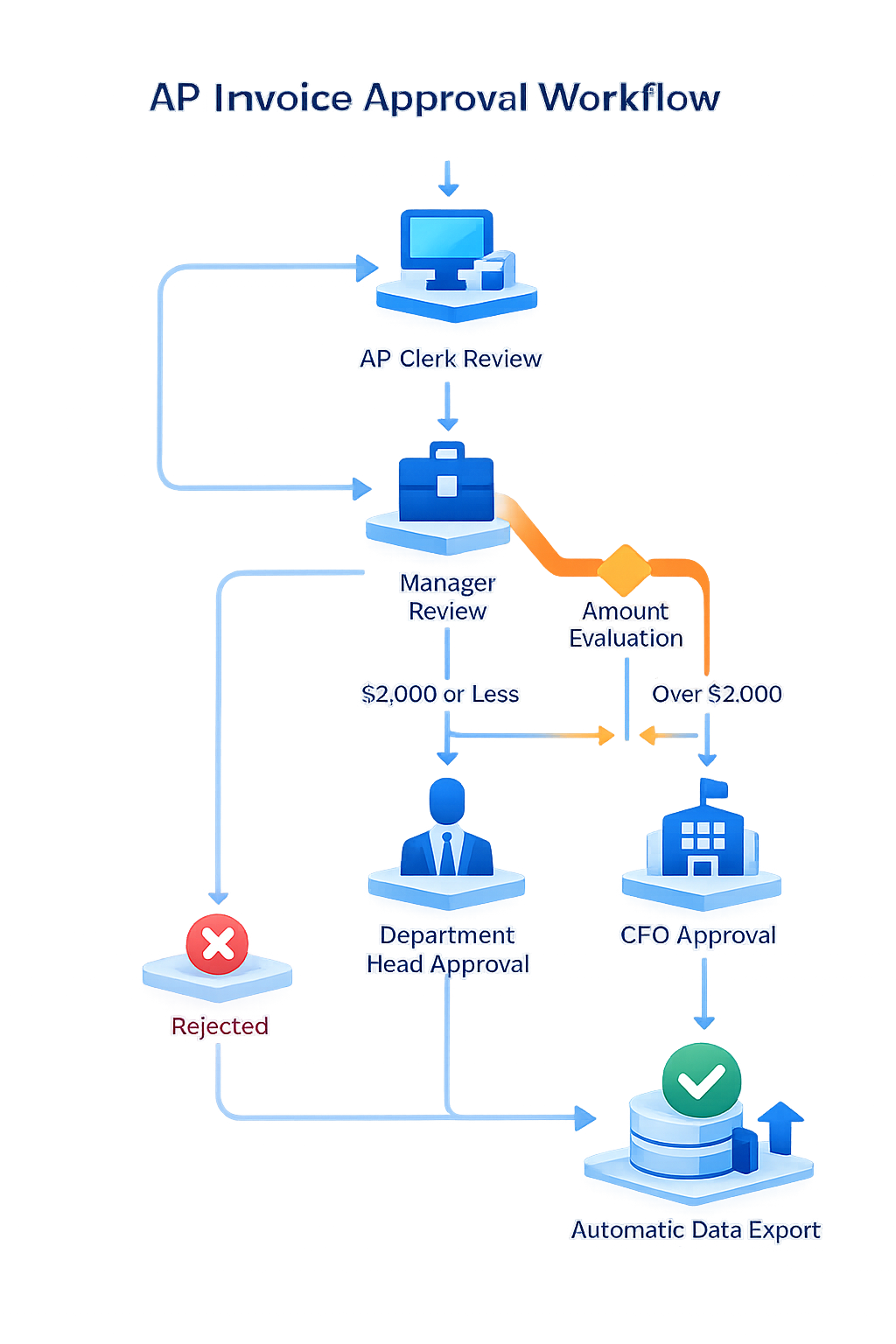
This is where Smart Forms + Workflow transforms the AP process. When an invoice is submitted, the workflow evaluates the invoice amount and routes it through the correct approval chain based on your policy. A typical AP approval workflow works like this:
Step 1 — Data Clerk review. The AP clerk verifies the invoice data. If correct, they approve and it moves forward. If incorrect, they reject and the workflow ends with a “Rejected” status.
Step 2 — Manager review. The manager reviews and approves or rejects. If approved, the system evaluates the dollar amount.
Step 3 — Conditional routing based on amount. If the invoice amount is $2,000 or less, the Department Head approves and the workflow is complete. If the invoice amount exceeds $2,000, the workflow automatically escalates to the CFO for final approval.
Step 4 — Final approval. The CFO (or Department Head for lower amounts) approves or rejects. Upon approval, the invoice status is set to “Approved” and the data exports automatically.
Every step includes email notifications so approvers know immediately when items are waiting. Comments can be added at each level, creating a documented conversation trail attached to the invoice record.
This conditional routing is configured visually in the workflow designer using field comparison conditions — no coding required. The $2,000 threshold is just an example; you can set any number of conditions at any dollar amount, by department, by vendor category, or by any other form field value.
Auto-populate vendor data from your ERP
Smart Forms Data Lookups connect to your accounting system, ERP, or vendor master database. When the AP clerk selects a vendor, the form auto-fills the vendor address, payment terms, default GL code, and tax ID. Cascading lookups let one selection filter the next — selecting a department filters the available GL codes for that department. This eliminates manual lookup and re-keying, ensures consistency with your system of record, and speeds up data entry significantly.
On the output side, approved invoice data flows back to your accounting system automatically via database export or REST API — no manual re-entry after approval.

Export approved invoices to your DMS
When the workflow reaches final approval, Smart Forms automatically generates a PDF of the invoice record (including all entered data, the attached invoice image, and the approval history) and exports it to your document management system — AppEnhancer (AppXtender), Easyfile, or any SQL database. Every required index field is mapped and populated automatically. The invoice is filed and retrievable in seconds.
Complete audit trail for every invoice
Every action on every invoice is logged automatically: who entered the data, who approved at each level, who rejected (and why), what the dollar amount was, and whether conditional routing was triggered. This audit trail is attached to the invoice record in the DMS. When auditors request evidence of approval authority compliance, you produce it instantly — no manual reconstruction, no missing approvals, no gaps.

Why AP teams choose Smart Forms
Approval policies enforced automatically
Dollar-amount thresholds, department-based routing, and multi-level approval chains are configured as workflow rules — not dependent on an AP clerk remembering to route correctly. The system enforces your policy every time,
Audit-ready from day one
Every approval, rejection, comment, and routing decision is logged with a timestamp and user identity. Audit trail is attached to the invoice record in the DMS. Internal and external auditors get what they need in seconds.
Zero manual data entry after approval
Vendor data auto-populates from your ERP on the front end. Approved invoice data exports to your accounting system and DMS on the back end. The only manual step is the AP clerk entering the original invoice data — and even that is streamlined with lookups and validation.
Invoices never stall or get lost
Every invoice has a real-time status. Managers receive email notifications when invoices arrive in their queue. The Process Status dashboard shows which invoices are pending, who has them, and how long they’ve been waiting. No more calling around asking “have you seen this invoice?”
Flexible conditional routing
Route by dollar amount, by department, by vendor category, by GL code, by expense type — or by any combination. Field comparison conditions support equals, greater than, less than, between, contains, and more. You’re not limited to a single threshold.
Integrates with your existing systems
Two-way SQL database integration and REST API connectivity work with any ERP, accounting system, or vendor master. Direct DMS export to AppEnhancer (AppXtender), Easyfile, or any SQL database. SSO through Microsoft Entra ID, Okta, Active Directory, or SAML 2.0.
Unlimited licensing
No per-user fees or submission caps. Deploy across every AP clerk, every approver, every department without cost penalties.
AI-powered form creation
Upload existing invoice PDFs and the AI converts them to working digital forms. Or describe a new form in plain language and the AI builds it.
Common AP workflows we automate

Standard invoice approval

Purchase order matching

Expense reimbursement
Employee submits expense form with receipt uploads → manager approves → finance reviews for policy compliance → approved reimbursement data exports to payroll or ERP.

Credit memo processing
AP staff enter credit memo details → workflow routes to manager for verification → approved credits are applied in the accounting system and the record is filed in the DMS.
Vendor onboarding
Procurement or AP staff complete a new vendor form with tax ID, banking details, and contact information → compliance reviews for sanctions screening or risk assessment → approved vendor data is added to the vendor master in the ERP.
Recurring invoice automation
For predictable recurring invoices (rent, subscriptions, retainers), a pre-filled form is submitted with only the variable fields open for entry → abbreviated approval chain routes based on change-from-prior thresholds → approved invoices export to the accounting system on schedule.
Frequently asked questions
Can invoices be routed differently based on dollar amount?
How does this integrate with our accounting system or ERP?
What happens when an invoice is rejected?
Can we track where every invoice is in the approval process?
Can the system handle three-way matching (invoice, PO, receipt)?
Is this just for AP, or can we use it for other finance processes?
Ready to Revolutionize Your Accounts Payable Process?