
Smart Forms + Workflow for Human Resources
Digitize every HR form — from onboarding to exit interviews — with automated routing, secure authentication, and permanent records retention.

The HR forms problem
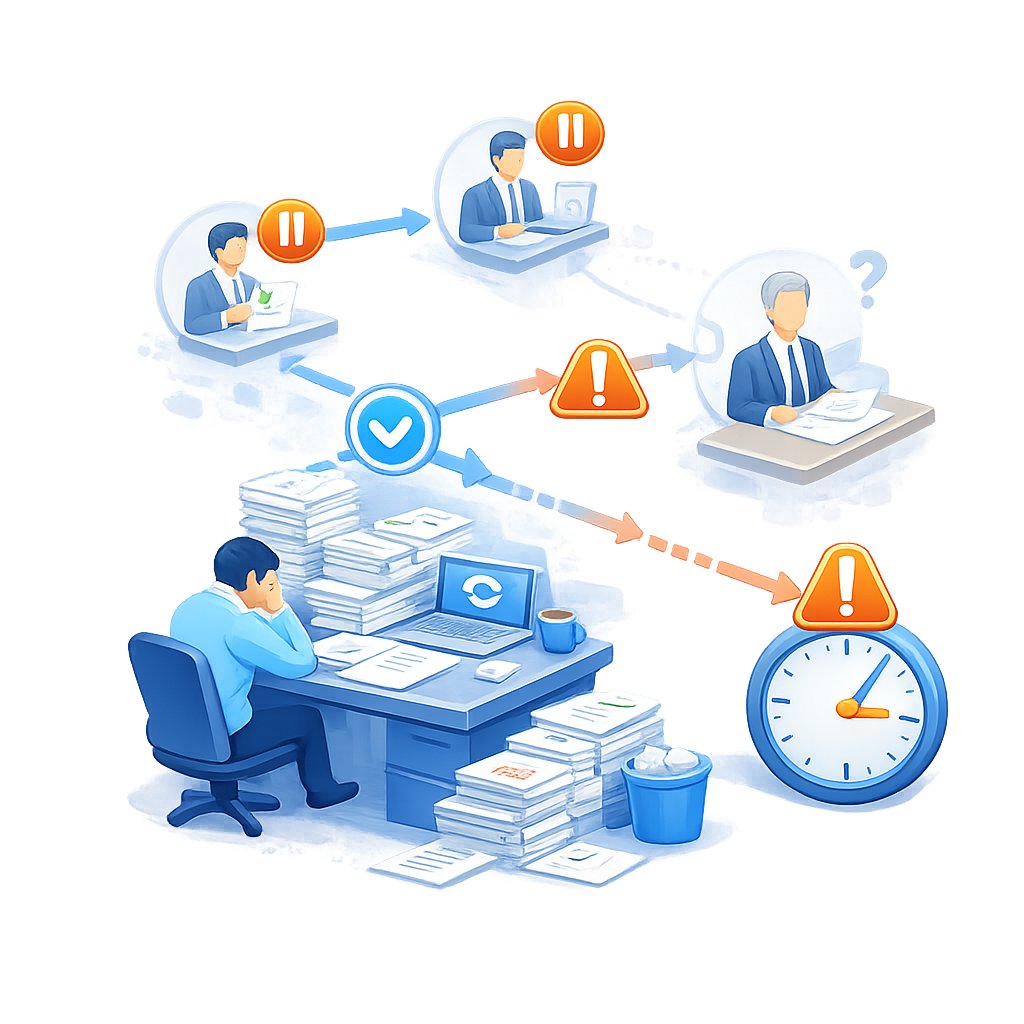
Onboarding is a paper avalanche
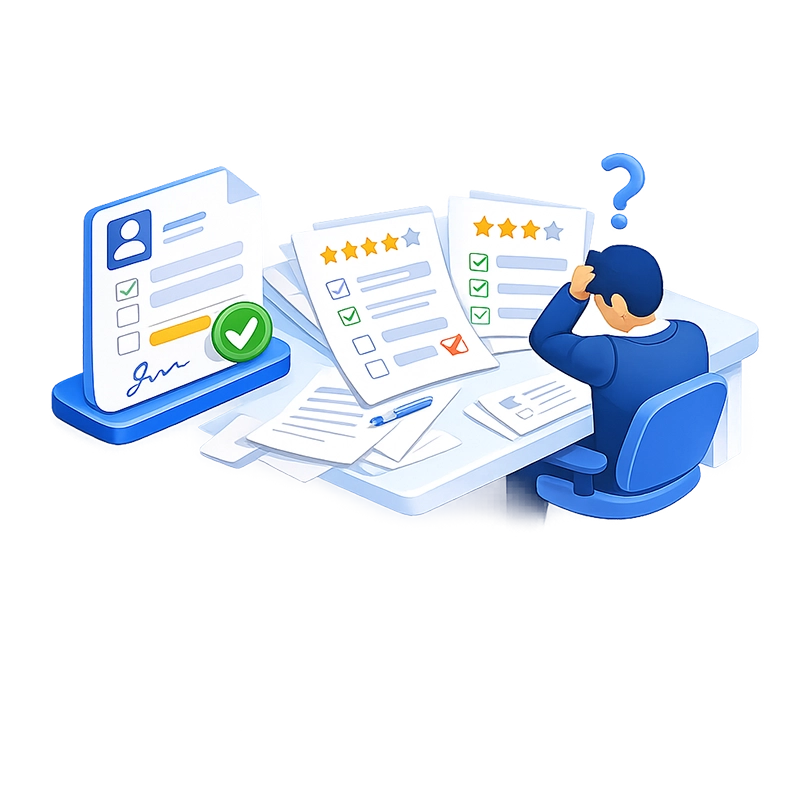
Performance reviews stall and lack consistency
Sensitive data lives in insecure places
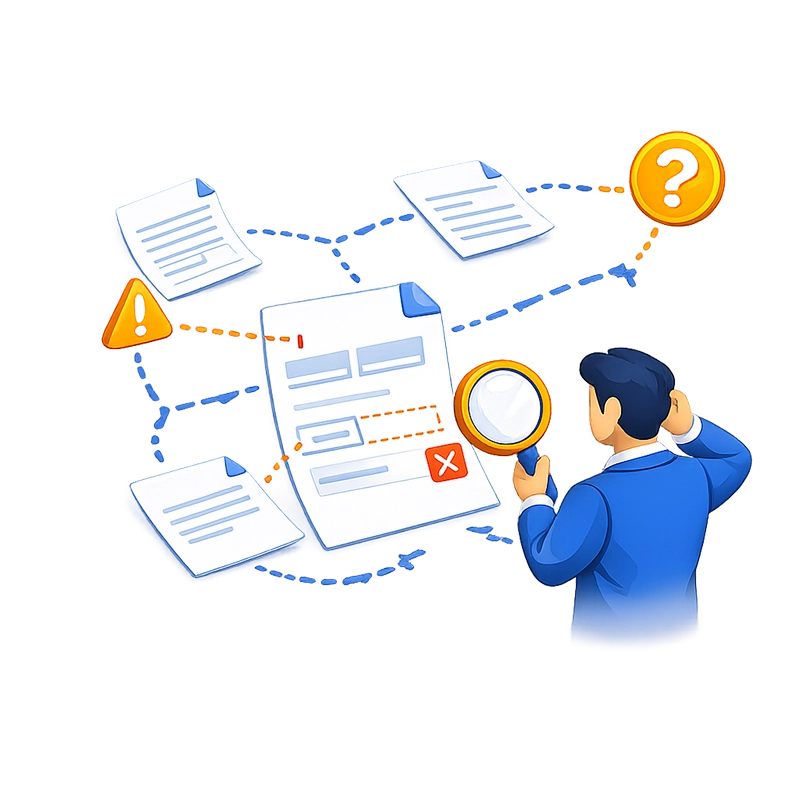

Transfer and leave requests move slowly
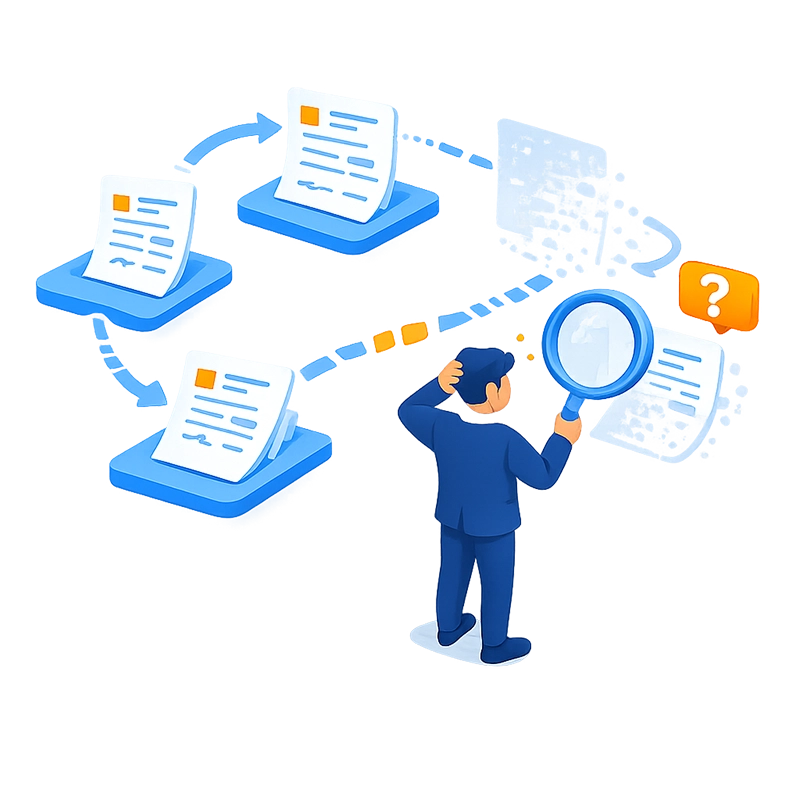
Records retention is manual and unreliable
How Smart Forms + Workflow solves it
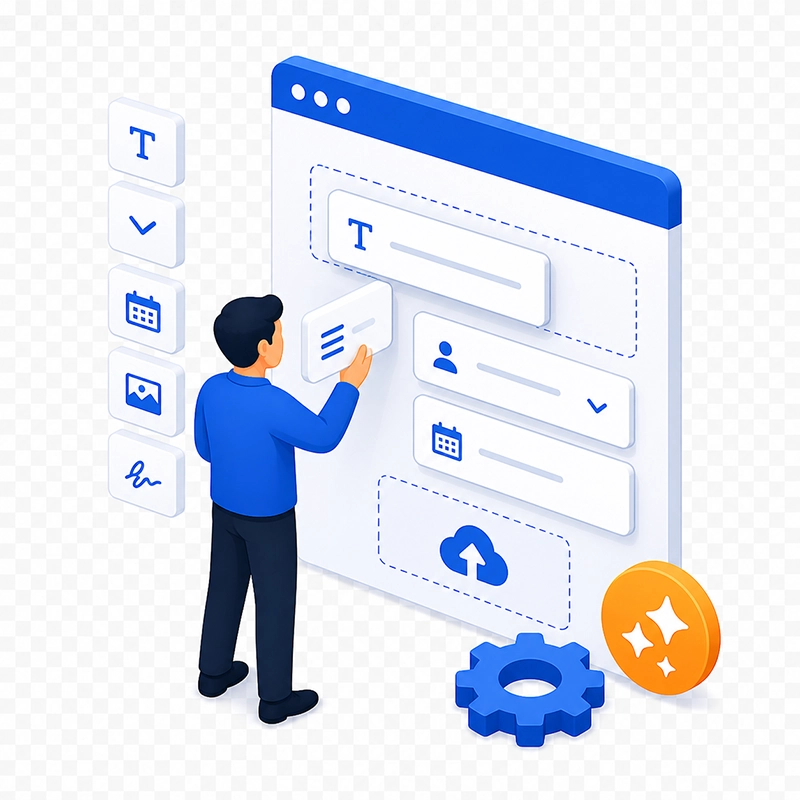
Build any HR form with drag-and-drop — no coding
Smart Forms includes a visual form builder with 20+ field types: text, date, dropdowns, checkboxes, file uploads (for ID copies, tax documents, certifications), electronic signatures, rating scales, matrix grids (for multi-criteria evaluations), and more. Multi-page layouts with progress indicators keep complex onboarding packets manageable. Conditional logic shows or hides sections based on the employee’s responses — for example, displaying dependent information fields only if the employee indicates they have dependents.
HR builds and modifies forms independently without IT involvement. Need a new benefits enrollment form for open season? Describe it to the AI assistant or upload the existing PDF — the form is ready in minutes. Forms are organized by category (Onboarding, Benefits, Performance, Compliance) or by workflow, making them easy to find and manage.

Automate multi-department routing
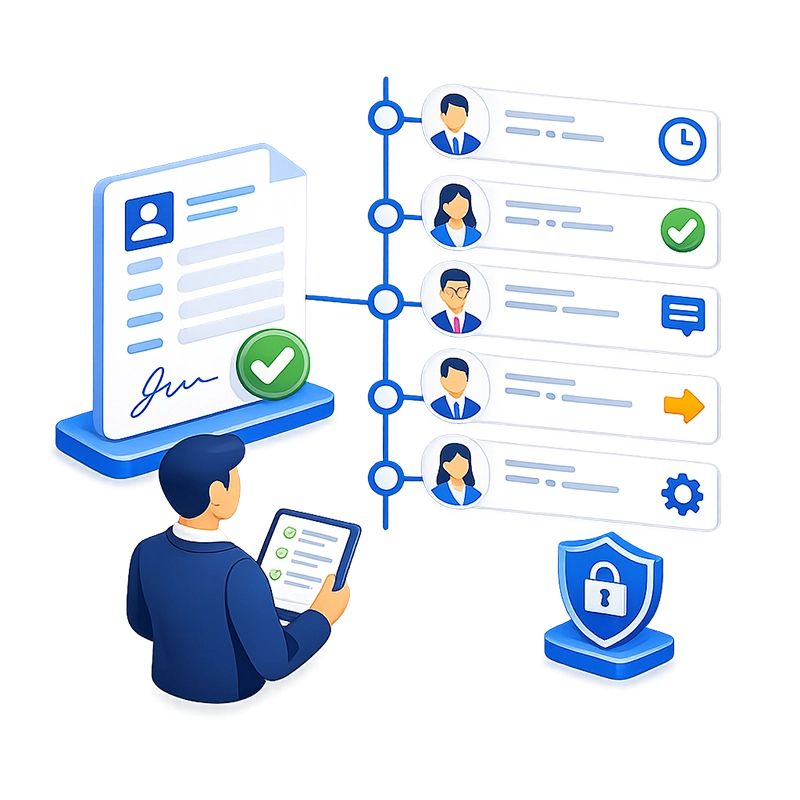
When an employee submits a form, it enters an automated workflow with queues, conditions, and email notifications. Each step routes to the right person or department based on the form type and field values.
A typical onboarding workflow looks like this: New hire completes the onboarding form → HR reviews and approves personal information and policy acknowledgments → IT receives a notification to set up accounts and equipment → the hiring manager confirms department-specific details → finance/payroll receives direct deposit and tax information → all completed documents export to the DMS with full indexing.
For transfer requests, the workflow can route through the current supervisor, the receiving department head, HR for policy review, and a director for final approval — with conditional logic that skips certain steps based on the transfer type or assignment level.
Every routing step is configurable visually in the workflow designer. Approvers receive email notifications, can review the form and any attached documents, and approve, reject, reassign, or comment — all from a web browser.
Authenticate employees with corporate SSO
Smart Forms supports single sign-on through Microsoft Entra ID, Okta, Active Directory, LDAP, and any SAML 2.0-compliant identity provider. Employees log in with their existing corporate credentials — no separate accounts, no forgotten passwords, no registration process. This also ensures that every form submission and approval action is tied to a verified identity, creating a credible audit trail.
For organizations with multiple identity providers — for example, Active Directory for full-time employees and Okta for contractors — Smart Forms supports both simultaneously.
Protect sensitive employee data
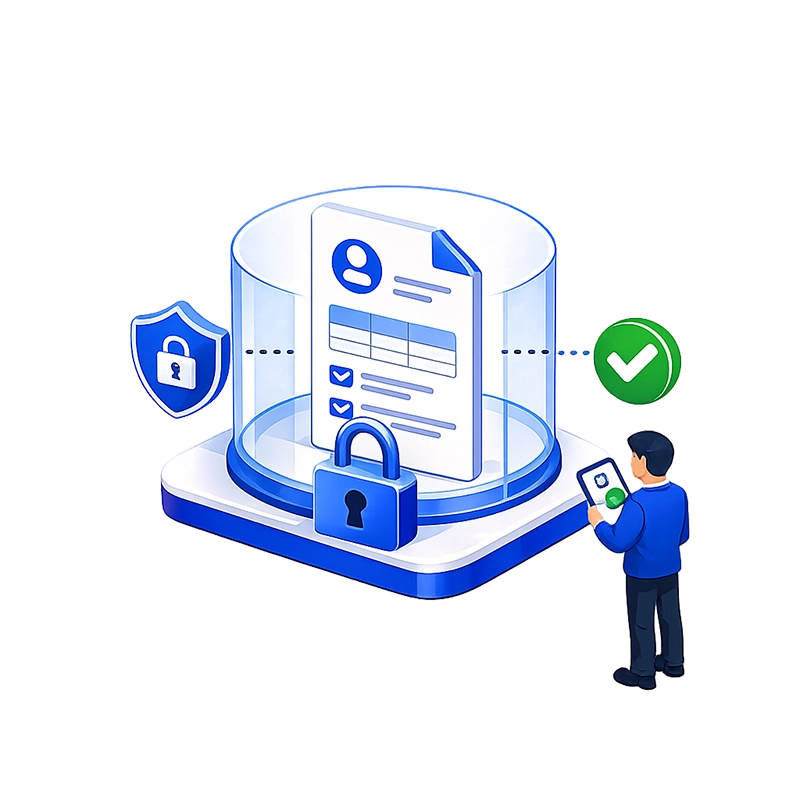
HR data requires the highest level of access control. Smart Forms provides role-based permissions at the form, workflow, and document level. HR staff see all forms. Managers see only forms for their direct reports. Employees see only their own submissions.
Document-level security in the DMS ensures that sensitive records (disciplinary actions, medical information, salary data) are visible only to authorized personnel.
For organizations with strict data sovereignty requirements, Smart Forms is available as an on-premises deployment — keeping all employee data within your own infrastructure, behind your firewall, under your IT policies. The SaaS option provides the same access controls with CASO managing the hosting environment.
Deliver completed records to your DMS automatically
When a form completes its workflow, Smart Forms generates a PDF rendering of the submission and exports it — along with all indexed metadata (employee name, employee ID, form type, department, submission date, approval date) — directly to your document management system. AppEnhancer (AppXtender), Easyfile, and any SQL database are supported as export targets. Data can also flow to HRIS or payroll systems via REST API. Records are filed and indexed automatically, ensuring consistent retention and instant retrieval.
No manual scanning. No manual filing. No paper to lose.

Why HR teams choose Smart Forms
AI creates new forms in minutes
Describe what you need — “Create an exit interview form with structured questions and open-text feedback” — and the AI builds it. Or upload an existing PDF form and the AI converts it. No waiting for IT.
Unlimited licensing scales with your workforce
No per-user fees. Deploy across every employee, every manager, every HR coordinator, every location — one flat price regardless of headcount.
Built-in analytics for HR reporting
Track completion rates for onboarding packets, performance review submissions, and survey participation in real time — without exporting data.
Onboarding that doesn't overwhelm new hires
Multi-page forms with progress indicators, conditional sections, and auto-populated fields make the experience clean and manageable. Employees complete everything from a browser on any device — desktop, tablet, or phone.
Every form routes to the right people automatically
No more chasing managers for signatures or wondering if IT received the account setup request. Automated workflows with email notifications ensure every step happens on time, every time.
Sensitive data stays secure
Role-based access control, SSO authentication, document-level security, and audit logging protect employee information from unauthorized access. On-premises deployment is available for organizations that need data to stay within their own infrastructure.
Permanent records with instant retrieval
Completed forms export automatically to your DMS, fully indexed by employee name, ID, form type, and date. Finding any employee’s records takes seconds, not hours. Retention policies are enforced by the DMS, not by a filing cabinet that may or may not be maintained.
HR owns the process — not IT
The drag-and-drop form builder and visual workflow designer let HR create, modify, and manage forms and approval chains independently. When a new form is needed for open enrollment or a policy change, HR builds it in hours — not weeks waiting for a developer.
Consistent processes across every department
Every manager uses the same performance review form, with the same required sections, the same rating scales, and the same approval routing. No more inconsistency between departments. No more missing fields or skipped sections.
Works for distributed and remote teams
Responsive forms work on any device. Employees in branch offices, remote locations, or the field can complete and submit forms from anywhere. SSO through Entra ID or Okta means they use the same credentials they use for everything else.
SaaS or on-premises
Deploy in the cloud for fast rollout across locations, or on-premises to keep all employee data within your infrastructure. Both options offer the same feature set.
Common HR workflows we automate

New hire onboarding

Performance reviews

Benefits enrollment and changes
Employee selects benefit options on a multi-page form with conditional logic (dependent fields appear only if dependents are indicated, plan-specific questions appear based on plan selection) → HR/benefits coordinator reviews → approved enrollment data exports to benefits administration system and DMS.

Leave and time-off requests
Employee submits leave request with date range, type of leave, and reason → current manager approves → HR reviews for policy compliance (checking accrual balances, FMLA eligibility, or blackout dates) → approved request exports to time-tracking or payroll system and DMS.
Employee transfer requests
Employee completes transfer application with current role, requested location(s), and reason → current supervisor reviews performance history and approves → receiving department head reviews and approves → HR verifies eligibility (disciplinary history, performance ratings, tenure requirements) → director gives final approval → approved transfer exports to HRIS and DMS with full audit trail.
Exit interviews
Departing employee completes confidential exit interview form with structured questions and open-text feedback → HR reviews responses → data is aggregated for trend analysis → completed form exports to DMS for permanent retention.
360-degree feedback reviews
Multiple reviewers (manager, peers, direct reports) complete evaluation forms for a single employee → all responses route to HR → HR compiles and reviews before sharing results → completed review package exports to DMS in the employee’s file.
Background check consent
Candidate completes consent form with electronic signature and ID document upload → HR reviews for completeness → form data is shared with the background check provider → results are attached to the record in the DMS.
Frequently asked questions
Can Smart Forms handle the full employee onboarding process?
How are employees authenticated when filling out forms?
Can we create different forms for different departments?
How is sensitive employee data protected?
Are completed HR forms stored securely for records retention?
Can the platform handle performance reviews with rating scales and manager comments?
Completed reviews route through manager → director → HR → employee acknowledgment, with each step configurable in the workflow designer.
Ready to Revolutionize Your HR Workflow Process?