
Smart Forms + Workflow for Schools, Colleges & Universities
Digitize admissions, enrollment, course evaluations, faculty reviews, and campus administrative processes with automated routing across departments, campuses, and governing offices.

The Education forms problem
Enrollment and admissions drown in paper
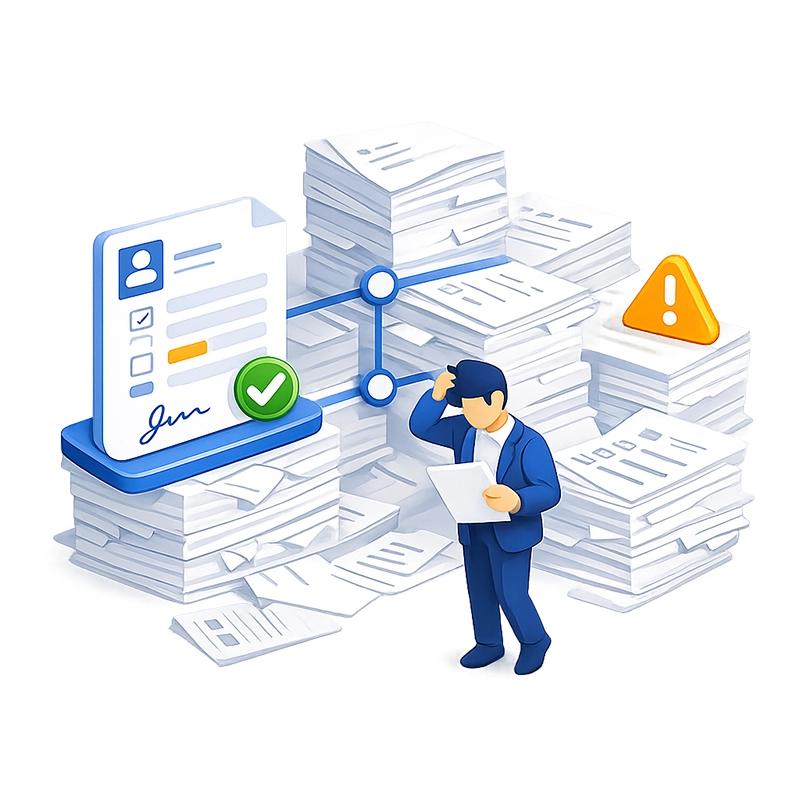

Multi-campus and multi-office approvals are slow
Course evaluations and faculty reviews lack consistency
Different departments may use different evaluation instruments, making cross-department comparison impossible.


Student data requires FERPA-compliant handling
Financial aid forms are time-sensitive and error-prone
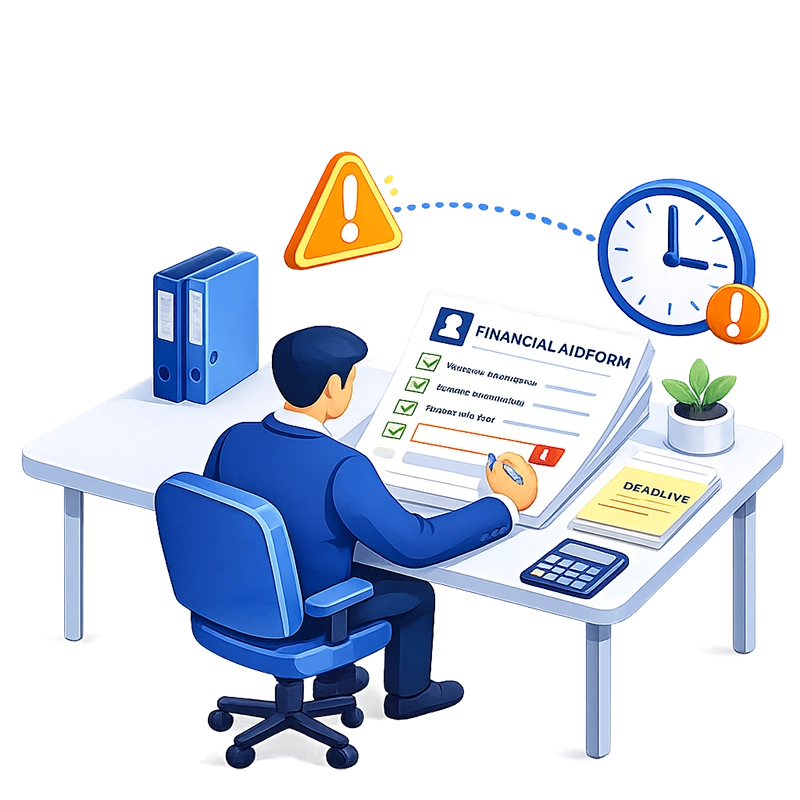

Administrative processes depend on institutional memory
How Smart Forms + Workflow solves it
Build any academic or administrative form — no coding
Smart Forms provides a drag-and-drop form builder with 20+ field types designed for educational data collection. Text fields with input masks enforce student ID formats, course numbers, and budget codes. Dropdowns populated from your student information system (SIS) or HR database ensure students and staff select valid programs, departments, and course sections. Rating scales and matrix grids power course evaluations and faculty reviews. File upload fields accept transcripts, recommendation letters, ID documents, and supporting materials. Electronic signature fields capture student, faculty, and administrator sign-offs.
Multi-page forms with progress indicators handle complex applications — admissions packets, financial aid forms, and multi-section transfer requests. Conditional logic adapts the form to each respondent: graduate applicants see different questions than undergraduate applicants; international students see visa and I-20 fields that domestic students don’t; scholarship applicants see eligibility questions based on their program selection.
Academic departments, registrar’s offices, and HR teams build and modify forms independently using the visual designer — no IT tickets, no developer involvement, no semester-long wait for a form update. Need a new course evaluation for a new program? Describe it to the AI assistant — “Create a course evaluation with instructor effectiveness ratings, learning outcomes assessment, and open-text feedback sections” — and the form is generated in seconds. Or upload an existing paper evaluation form and the AI converts it to a working smart form. Powered by Anthropic Claude and OpenAI GPT.


Route through academic governance and administrative chains
Submitted forms enter automated workflows that mirror your institution’s governance and administrative structure. Each department, office, or individual in the approval chain has its own queue with configurable field permissions, events, conditions, and actions.
A student transfer workflow at a multi-campus university: Employee completes transfer application with qualifying information and college preferences → current college HR reviews civil service eligibility, disciplinary history (no penalties in the preceding three years), and performance evaluations (satisfactory rating in the past two years) → HR director at the current campus approves or denies with documented reasoning → approved application routes to the central office for placement on the transfer roster → receiving college is notified.
Conditional logic enforces eligibility at the form level — if the applicant doesn’t meet the minimum service requirement, the form displays a stop message and prevents submission. If disciplinary penalties are indicated, the form requires detailed explanation before proceeding.
Every routing step is configurable visually. Approvers receive email notifications and can approve, reject, reassign, or comment from any browser. The entire workflow is self-documenting — no institutional memory required.
Standardize evaluations across departments and campuses
Smart Forms allows institutions to create centrally managed evaluation templates that every department uses. A single course evaluation form — with standardized rating scales, required questions, and optional department-specific sections — ensures consistency across every class section, every department, and every campus.
Students complete evaluations on their own device — laptop, tablet, or phone — during a flexible window rather than a single class session. This typically increases response rates compared to paper-based in-class evaluations. Results are available immediately after the evaluation window closes, without the weeks of scanning and tabulation that paper requires.
Faculty reviews, tenure evaluations, and promotion reviews follow the same model — standardized forms with multi-level approval workflows (department chair → college dean → provost → board) and automatic export to the faculty member’s permanent file.
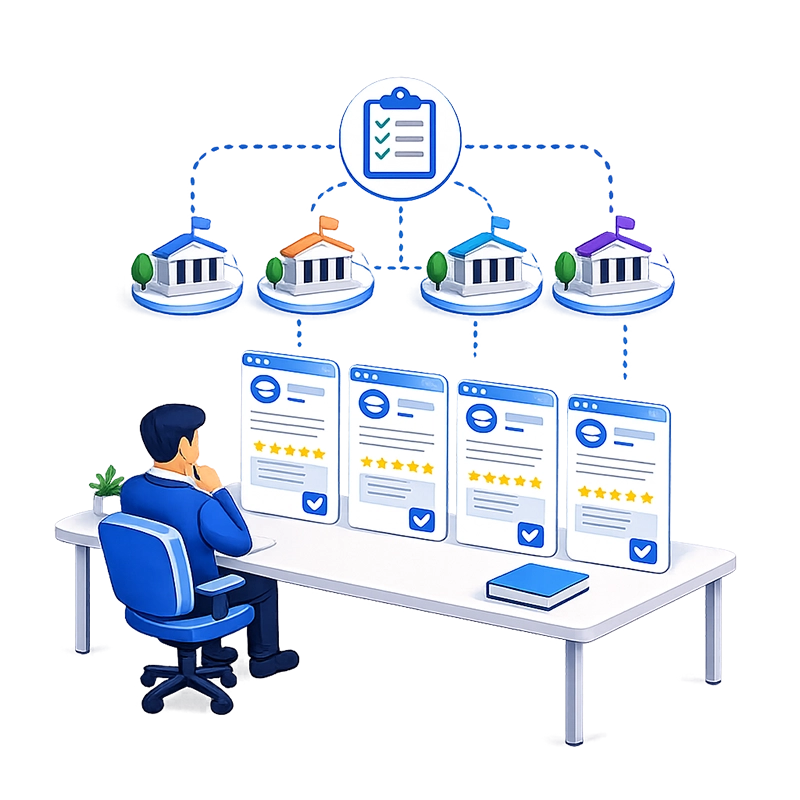
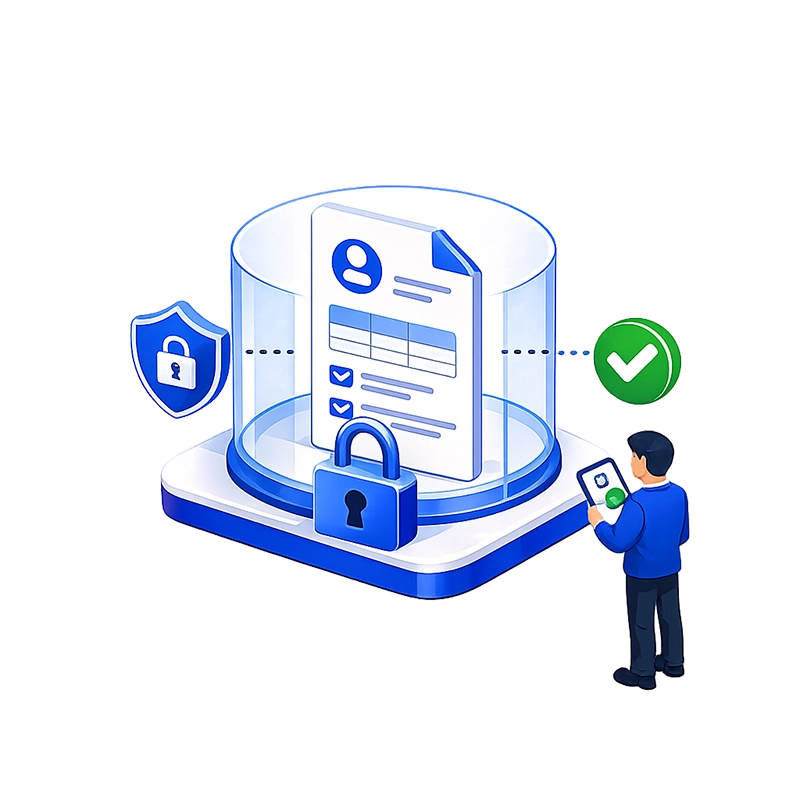
Protect student records with FERPA-appropriate controls
Smart Forms provides role-based access control at the form, workflow, and document level. Registrar staff see enrollment forms. Financial aid officers see aid applications. Faculty see course evaluations for their own sections. Students see only their own submissions. Document-level security in the DMS restricts access to completed records by role, department, or individual.
SSO through Microsoft Entra ID, Okta, Active Directory, LDAP, or SAML 2.0 integrates with your institution’s existing identity management — whether that’s a campus-wide directory, a multi-campus federation, or a combination. Every form access and approval action is logged with a timestamp and user identity, supporting FERPA’s requirement for access controls and audit trails. Cascading lookups let one selection filter the next — for example, selecting a college filters the available departments, and selecting a department filters the available courses.
For institutions that require student data to remain on-campus infrastructure, Smart Forms is available as an on-premises deployment. The SaaS option is available for institutions comfortable with cloud hosting. Both include unlimited licensing — no per-user fees, no submission caps, no limits on the number of forms. For institutions with thousands of students, hundreds of faculty, and dozens of administrative staff, this means costs stay flat regardless of adoption scale.
Deliver records to your DMS automatically
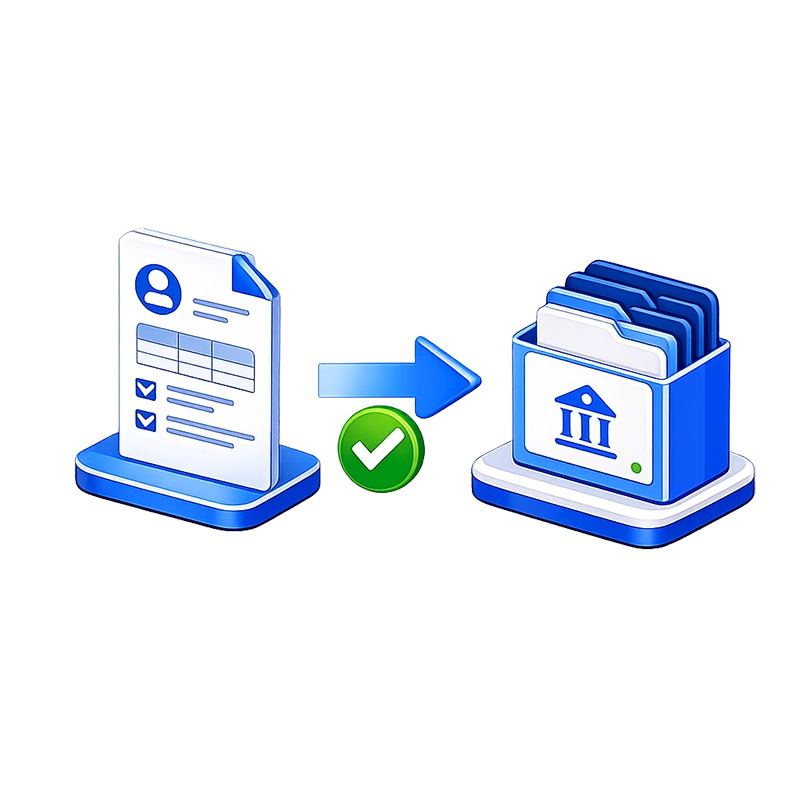
When a form completes its workflow, Smart Forms generates a PDF rendering and exports it — along with all structured data and indexed metadata (student name, student ID, form type, department, semester, date) — directly to your document management system. AppEnhancer (AppXtender), Easyfile, and any SQL database are supported. Data can also flow to SIS, HRIS, or other campus systems via REST API. Records are filed and indexed automatically, ensuring consistent retention and instant retrieval across semesters and academic years.
Why Education institutions choose Smart Forms
AI creates academic forms in minutes
Describe a new evaluation, application, or administrative form to the AI assistant and it builds the complete form. Or upload an existing paper PDF and the AI converts it — no manual rebuilding of legacy forms.
Unlimited licensing for the entire institution
No per-user fees, no submission caps. Deploy across every student, every faculty member, every staff member, every campus — one flat price. Critical for large university systems and school districts where per-user pricing becomes prohibitive.
WCAG 2.1 AA accessible
Screen reader support and 50+ built-in languages meet federal accessibility requirements and serve diverse student populations, including international students and students with disabilities.
Built-in analytics for institutional reporting
Track evaluation completion rates, survey participation, submission volumes, and NPS scores in real time — without exporting data. Cross-filter by department, campus, or semester.
Handle seasonal volume spikes without adding staff
Admissions cycles, enrollment periods, and end-of-semester evaluations create predictable surges. Automated workflows process high volumes without proportional increases in administrative labor.
Multi-campus and multi-office routing
Configure workflows that span campuses, colleges, departments, and central administration offices. Conditional routing sends forms through the correct approval path based on campus, program, department, or request type — automatically and consistently.
Standardized forms across the institution
Centrally managed templates ensure every department uses the same evaluation instrument, the same enrollment form, and the same administrative request format. Department-specific sections can be added with conditional logic without fragmenting the core form.
FERPA-appropriate access controls
Role-based permissions, SSO authentication, document-level security, and full audit logging protect student records. Every access and action is tied to a verified identity and logged for compliance.
Students and faculty complete forms on any device
Responsive design means forms work on laptops, tablets, and phones. Course evaluations, registration requests, and applications are completed on the student’s or faculty member’s own device — no printouts, no clipboards, no physical collection.
Higher evaluation response rates
Digital course evaluations completed during a flexible window on the student’s own device consistently produce higher response rates than paper evaluations administered during a single class session.
Self-documenting workflows
Every approval chain is visible in the workflow designer. When a staff member leaves, the process continues without disruption — the workflow documents itself. New staff can see the complete routing logic, conditions, and action history without relying on institutional memory.
Departments own their forms — not IT
The visual form builder lets registrars, admissions officers, financial aid staff, and department administrators create and modify forms without developer involvement.
Common Education workflows we automate

Admissions and applications

Course registration and enrollment

Financial aid processing
Student submits financial aid application with income documentation, enrollment verification, and program eligibility details → financial aid officer reviews for completeness
→ conditional routing sends need-based applications through verification workflow → awards are calculated → student receives notification → aid record exports to financial aid system and DMS.

Scholarship applications
Student completes scholarship application with eligibility criteria, essay, academic record, and reference uploads → scholarship committee reviews and scores each application → committee chair compiles rankings → awards office makes final determination → award record exports to financial aid system and DMS.
Course evaluations and student feedback
Students receive evaluation form link at end of semester → complete standardized evaluation with rating scales, matrix grids, and open-text feedback on their own device during a flexible window → results are compiled by course section → department chair and dean receive aggregate reports → individual evaluations export to faculty file in DMS.
Teacher and faculty evaluations
Department chair completes evaluation form with performance criteria, classroom observation notes, and development recommendations → dean reviews → faculty member acknowledges and responds → completed evaluation exports to the faculty member’s permanent file in DMS.
Employee transfer requests (multi-campus)
Employee completes transfer application with qualifying information, disciplinary history, and campus preferences → current campus HR reviews eligibility (civil service status, years of service, disciplinary record, performance evaluations) → HR director approves or denies with documented reasons → approved applications route to central office for roster placement → receiving campus is notified of transfer.
Grade appeals
Student submits grade appeal form with course information, grade received, grounds for appeal, and supporting evidence → instructor reviews and responds → department chair reviews both positions → if unresolved, dean reviews → final determination is documented
→ complete appeal record exports to DMS.
Leave of absence requests
Student submits leave request with effective date, expected return date, reason, and supporting documentation → academic advisor reviews → dean of students approves → registrar processes → student’s enrollment record is updated → all documentation exports to DMS.
Event registration
Students, faculty, or external participants register for campus events (orientations, conferences, workshops, commencement) → registration data is compiled → conditional routing sends registrations requiring department approval through the appropriate workflow → confirmed registrations feed into event management.
Frequently asked questions
Can Smart Forms handle complex admissions applications with file uploads?
Does the platform support course evaluations with rating scales?
How are student records protected under FERPA?
Can workflows span multiple campuses?
Can departments create their own forms without IT?
Is the system available as SaaS for institutions that want cloud deployment?
Ready to Revolutionize Your Workflow Process?