
Smart Forms + Workflow for government and public sector
Digitize permits, applications, and internal processes with multi-department approval routing, complete audit trails for FOIA readiness, and on-premises deployment for data sovereignty.

The Government forms problem
Multi-department approvals take weeks

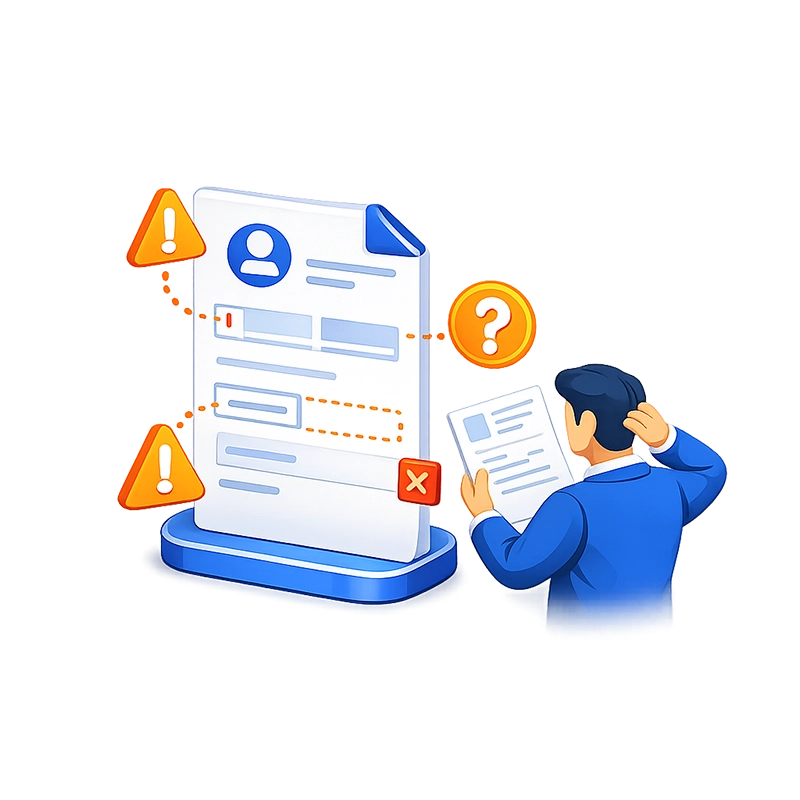
Paper forms don't enforce data standards
FOIA and public records requests expose documentation gaps


Field workers can't participate in paper processes
IT security policies restrict cloud adoption


Citizen-facing forms are outdated and inaccessible
How Smart Forms + Workflow solves it
Build government forms with drag-and-drop — no coding
Smart Forms provides a visual form builder with 20+ field types tailored for government data collection. Text fields with input masks enforce permit numbers, case IDs, and statutory reference formats. Dropdown lists populated from agency databases ensure applicants select valid codes, departments, and categories. Date pickers with validation rules prevent invalid date ranges. File upload fields accept supporting documentation (site plans, photos, certificates, identification). Electronic signature fields capture applicant and reviewer signatures digitally.
Multi-page forms with progress indicators handle complex applications that span multiple sections — applicant information, project details, technical specifications, and required certifications. Conditional logic shows or hides sections based on the application type, jurisdiction, or dollar amount — so each applicant sees only the questions relevant to their request.
Department administrators build and modify forms using the visual designer without IT involvement. When a new form is needed for a legislative mandate, a regulatory change, or an internal policy update, it’s created in hours — not months. For faster migration, the AI assistant converts existing PDF forms into working smart forms in minutes — upload a permit application PDF and the AI generates the digital version with appropriate fields, validation, and layout. Powered by Anthropic Claude and OpenAI GPT.


Route through multi-department approval chains
When a form is submitted, it enters an automated workflow with configurable queues, conditions, and email notifications. Each department in the approval chain has its own queue with specific field permissions — controlling which fields each reviewer can see, edit, or is required to complete.
A typical permit application workflow: Applicant submits electronically → front counter staff verifies completeness and assigns a case number → planning department reviews zoning compliance → public works reviews infrastructure impact → fire marshal reviews safety requirements → environmental services reviews if applicable (conditional routing based on project type) → director or board gives final approval → approved permit and all documentation export to the DMS with full indexing.
Each step supports approve, reject, reassign, and comment actions. Email notifications alert the next reviewer when an item arrives in their queue. Timers can trigger escalation emails when items sit too long. The entire process is visible on the Process Status dashboard — which items are pending, who has them, and how long they’ve been waiting.
Conditional routing means not every application goes through every department. A simple fence permit skips environmental review and the fire marshal. A major commercial project hits every queue. The workflow adapts based on the form data — automatically, consistently, and without manual routing decisions.
Deploy on-premises for full data sovereignty
Smart Forms is available as an on-premises deployment — installed on your agency’s servers, behind your firewall, under your IT security policies. No citizen data, no internal records, and no approval decisions leave your network. The on-premises option runs on IIS with SQL Server and supports your agency’s existing infrastructure and security architecture.
For agencies open to cloud deployment — or those migrating to cloud-first strategies — the SaaS option provides the same feature set with CASO managing the hosting environment.
Both deployment models support SSO through Microsoft Entra ID, Okta, Active Directory, LDAP, and SAML 2.0 — integrating with your agency’s existing identity and access management infrastructure. Role-based access control with four distinct levels (System Admin, Form Admin, Creator, User) ensures appropriate access for administrators, department staff, and public-facing portals.


Produce audit-ready records instantly
Every action on every form is logged automatically: who submitted, when each department reviewed, what decision was made, what comments were added, and any conditional routing that was triggered. This audit trail is attached directly to the record in your DMS.
When a FOIA request arrives, when an inspector general reviews a program, or when legal counsel needs the complete history of a decision — the documentation is produced in seconds. Every approval, every rejection, every comment, every timestamp — all in one retrievable record. No manual reconstruction. No searching through email chains or file cabinets across multiple departments.
Give field workers mobile access
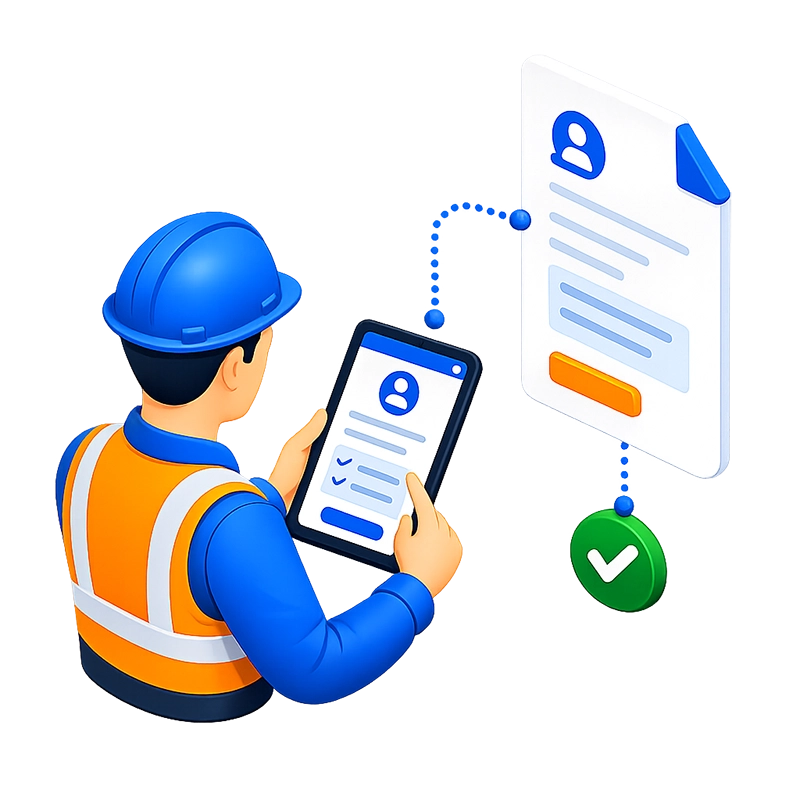
Smart Forms is fully responsive and works on tablets and smartphones through a standard web browser. Inspectors complete inspection reports in the field on a tablet. Code enforcement officers document violations with photos and notes on their phone. Caseworkers complete intake forms during home visits. Field data enters the workflow immediately — no returning to the office, no delay between observation and official record.

Provide citizen-facing digital forms
Smart Forms can be deployed as public-facing forms on your agency’s website. Citizens complete permit applications, license renewals, public records requests, and service requests from their own device — desktop, tablet, or phone. The form enforces all required fields and data formats before allowing submission, ensuring the agency receives complete, usable data every time.
Why government agencies choose Smart Forms
AI-powered form migration
Upload existing PDF forms and the AI converts them to working smart forms in minutes. Agencies with hundreds of legacy forms can digitize rapidly without rebuilding each one manually.
Unlimited licensing for the entire agency
No per-user fees, no submission caps. Deploy across every department, every office, every field worker — one flat price regardless of headcount.
WCAG 2.1 AA accessible
Screen reader support and 50+ built-in languages meet federal, state, and local accessibility requirements for both internal and citizen-facing forms. This is often a procurement requirement for government agencies.
Built-in analytics
Track permit volumes, processing times, approval bottlenecks, and department performance in real time without exporting data.
Multi-department routing that mirrors your org chart
Configure unlimited approval queues organized by department, role, or individual. Conditional routing ensures each application goes through exactly the right departments based on its type, value, and jurisdiction — automatically and consistently.
FOIA-ready from day one
Every submission, review, approval, and comment is logged with a timestamp and user identity. The complete audit trail is attached to the record in the DMS. When public records requests, audits, or legal inquiries arrive, you produce the full chain of custody instantly.
Data sovereignty with on-premises deployment
Install on your servers, behind your firewall, under your IT policies. No citizen data or internal records leave your network. This meets federal, state, and local government security requirements without compromising functionality.
Citizen-facing digital forms
Replace downloadable PDFs and paper applications with responsive web forms that citizens complete on any device. Required fields, format validation, and conditional logic ensure every submission arrives complete and usable.
Field workers stay connected
Inspectors, caseworkers, and enforcement officers complete and submit forms from the field on tablets or phones. Data enters the workflow immediately — no returning to the office, no paper handoff, no delay.
Departments own their forms — not IT
The visual form builder and workflow designer let department administrators create and modify forms and approval chains without developer involvement. When a legislative change requires a new form, it’s built in hours.
Conditional routing handles complexity
A simple fence permit takes a different path than a major commercial development. A purchase request under $5,000 takes a different path than one over $50,000. The workflow adapts based on form data — no manual routing decisions, no inconsistency.
Integrates with your existing DMS and databases
Direct export to AppEnhancer (AppXtender), Easyfile, or any SQL database. Two-way database integration and REST API connectivity auto-populate form fields from your existing systems and write approved data back. SSO through Entra ID, Active Directory, Okta, or SAML 2.0.
Common government workflows we automate

Permit applications (building, zoning, special use)

Inspection reporting

Personnel actions
HR submits a personnel action form (new hire, promotion, transfer, termination, reclassification) → department head approves → HR director reviews → conditional routing sends certain actions (promotions above a grade level, new positions) to the city/county manager or board → approved action exports to HRIS and DMS.

Public records and FOIA requests
Citizen submits a public records request electronically → records coordinator reviews for scope and redaction requirements → relevant department locates and reviews responsive documents → legal reviews if privilege or exemption applies → coordinator compiles response → completed request and response export to DMS with full audit trail documenting every step and decision.
Grant management and compliance reporting
Program staff completes grant activity report with expenditure details, milestones, and supporting documentation → program manager reviews → finance verifies expenditure coding → grants coordinator approves and compiles for funder submission → completed report exports to DMS and grants management database.
Council and board agenda items
Department head submits an agenda item with background memo, resolution text, fiscal impact statement, and supporting attachments → city/county manager reviews → legal reviews for form and authority → clerk assigns to agenda → approved items export to the agenda management system and DMS.
Internal policy and procedure approvals
Department drafts new or revised policy document → department head approves → legal reviews → HR reviews if employment-related → city/county manager approves → approved policy exports to the policy repository and DMS with version tracking.
Citizen service requests
Citizen submits a service request (pothole repair, streetlight outage, noise complaint, code violation report) via the agency’s website → request is assigned to the responsible department based on request type → field crew or inspector is dispatched → completion is documented → citizen receives notification of resolution → completed request exports to DMS.
Frequently asked questions
Can Smart Forms handle multi-department approval chains?
Does the system provide audit-ready documentation for FOIA?
Can government-mandated field requirements be enforced?
Is all data kept within our government network?
Can citizens submit forms online?
Can field workers use the system on tablets?
Ready to Revolutionize Your Workflow Process?