
Smart Forms + Workflow for Healthcare
HIPAA-supporting electronic forms with automated clinical and administrative workflows, mobile access for bedside and waiting room use, and secure records delivery to your document management system.

The healthcare forms problem
Patient intake is slow and error-prone

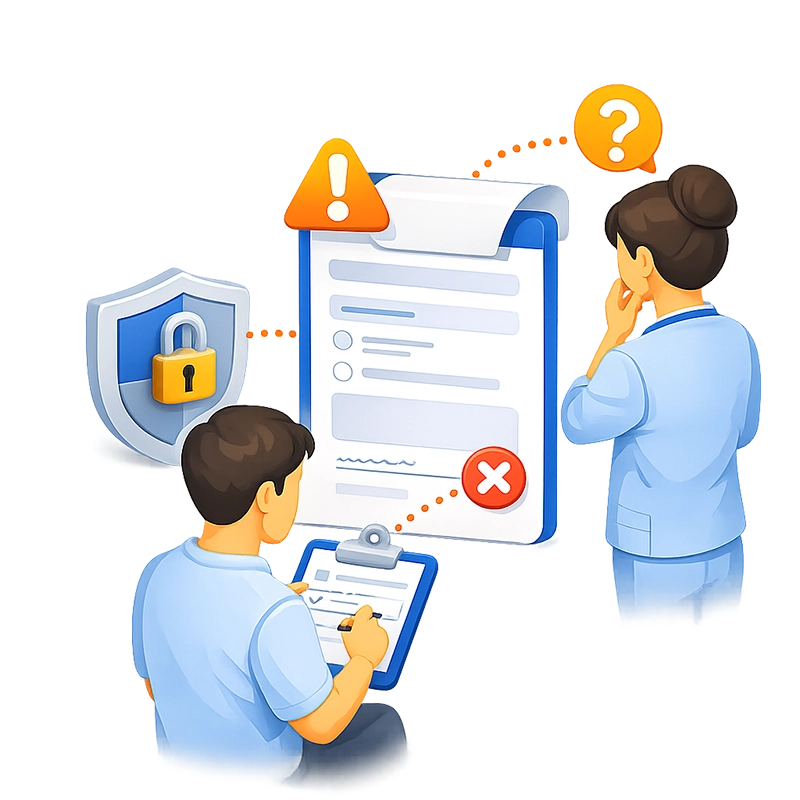
Consent and authorization forms create compliance risk
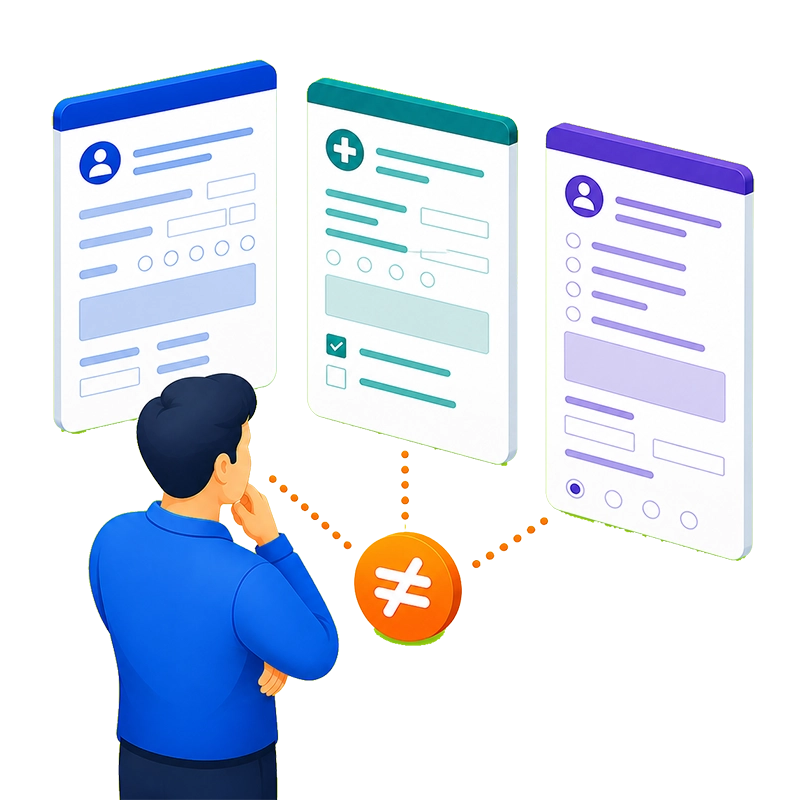
Clinical forms lack standardization

Paper forms don't work at the bedside
Filing and retrieval consume staff hours


PHI security depends on physical controls
How Smart Forms + Workflow solves it
Build any clinical or administrative form — no coding
Smart Forms provides a drag-and-drop form builder with 20+ field types purpose-built for healthcare data collection. Date pickers for appointment scheduling and visit dates.
Dropdown lists for medication names, diagnosis codes, and insurance carriers — populated dynamically from your clinical databases. File upload fields for insurance cards, photo IDs, and referral letters. Electronic signature fields for consent and authorization. Rating scales for pain assessment (1-10 or visual analog). Matrix grids for multi-criteria clinical evaluations. Image capture for wound documentation or device readings.
Multi-page forms with progress indicators keep complex patient histories and intake packets manageable. Conditional logic adapts the form in real time — displaying pediatric questions only for patients under 18, showing allergy detail fields only when allergies are indicated, or revealing procedure-specific consent language based on the treatment selected.
Healthcare administrators build and modify forms independently using the visual designer
— no IT tickets, no developer backlog, no waiting weeks for a form change. Need a new patient assessment form? Describe it to the AI assistant — “Create a fall risk assessment with mobility questions, medication review, and a scoring scale” — and the form is generated in seconds. Or upload an existing paper PDF and the AI converts it into a working smart form in minutes. Powered by Anthropic Claude and OpenAI GPT.


Route through clinical and administrative workflows
Submitted forms enter automated workflows with configurable queues, conditions, and notifications. The routing logic mirrors your actual clinical and administrative processes.
A patient intake workflow might look like this: Patient completes intake form on a waiting room tablet → front desk verifies insurance information and approves → clinical staff reviews medical history and flags alerts → physician is notified the patient is ready with the completed intake attached to their schedule.
A referral request workflow: Referring physician completes referral form with patient demographics, diagnosis, and clinical notes → care coordinator reviews for completeness and insurance authorization → receiving specialist’s office is notified and accepts or requests additional information → all documents export to both the referring and receiving providers’ records.
An administrative workflow for credentialing: Provider submits credentialing application with license uploads, DEA certificate, malpractice history, and education verification → credentialing coordinator reviews each section → medical director approves → hospital privileges committee gives final approval → approved credentials export to the credentialing database and DMS.
Every step is configurable in the visual workflow designer. Email notifications keep each reviewer informed. Comments and attachments can be added at any step.
Deploy on tablets in waiting rooms and at the bedside
Smart Forms is fully responsive and works on any device through a standard web browser
— no native app to install or maintain. Deploy patient-facing forms on waiting room tablets, exam room kiosks, or bedside devices. Clinician-facing forms work on hospital workstations, tablets during rounds, or mobile devices in ambulatory settings.
The form adapts its layout to the screen size and orientation automatically. Patients interact with large, clear input fields. Clinicians get a compact view optimized for speed. Both experiences are previewed and tested in the form builder before deployment.


Protect PHI with zero-trust security
Smart Forms provides multiple layers of security appropriate for healthcare environments following a zero-trust architecture. SSO through Microsoft Entra ID, Okta, Active Directory, LDAP, or SAML 2.0 ensures every form access is authenticated. Role-based access control with four distinct levels (System Admin, Form Admin, Creator, User) controls who can view, complete, and approve each form — front desk staff see intake forms, clinicians see clinical assessments, billing staff see insurance forms. Document-level security in the DMS restricts access to completed records by department, role, or individual.
For organizations that require PHI to remain within their own network, Smart Forms is available as an on-premises deployment — installed on your servers, behind your firewall, under your IT and security policies. No patient data leaves your infrastructure. The SaaS option provides the same access controls for organizations comfortable with cloud deployment, with CASO managing the hosting environment.
Full audit logging tracks every access, submission, and approval action with timestamps and user identity — supporting HIPAA’s administrative safeguard requirements for audit controls and access monitoring.
Deliver records to your DMS or EHR automatically
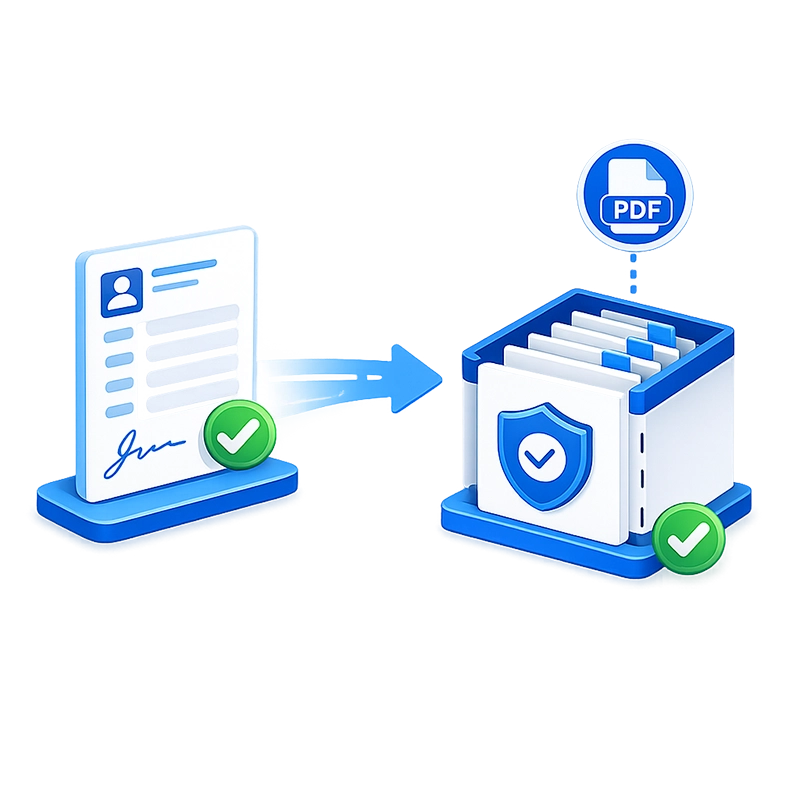
When a form completes its workflow, Smart Forms generates a PDF rendering and exports it — along with all structured data and indexed metadata (patient name, MRN, date of service, form type, provider, department) — directly to your document management system. AppEnhancer (AppXtender), Easyfile, and any SQL database are supported. For EHR integration, form data can be written to clinical databases via direct export or REST API that feed your electronic health record system.
No manual scanning. No manual indexing. No risk of forms being separated from the patient’s chart.
Why healthcare organizations choose Smart Forms
AI creates clinical forms in minutes
Describe a new assessment, intake, or consent form to the AI assistant and it generates the complete form. Or upload an existing paper PDF and the AI converts it — no manual rebuilding required.
Unlimited licensing for the entire organization
No per-user fees, no submission caps. Deploy across every clinic, every department, every role — physicians, nurses, front desk, billing, administration — one flat price.
Built-in analytics for quality and operations
Track completion rates for patient feedback, satisfaction scores (NPS), department participation, and form submission trends in real time — without exporting data to a separate tool.
WCAG 2.1 AA accessible
Screen reader support and 50+ built-in languages ensure forms are accessible to patients and staff with disabilities and in multi-language healthcare settings.
PHI stays under your control
On-premises deployment keeps all patient data within your infrastructure. The SaaS option provides managed hosting with the same security controls. Either way, role-based access, SSO, and audit logging protect sensitive information in accordance with HIPAA requirements.
Forms work where care happens
Responsive design means intake forms work on waiting room tablets, assessments work on bedside devices, and administrative forms work on workstations — all through a standard browser, no app to install.
Consent management with a complete chain of custody
Electronic signature fields, version-tracked consent language, timestamp logging, and automatic DMS export ensure every consent form is documented, attributable, and retrievable. No more missing signatures or lost consent forms.
Clinical forms are standardized across departments
The same pain assessment scale, the same intake questions, the same consent language — enforced organization-wide through centrally managed form templates. Departments can have their own specific forms while sharing a consistent structure and branding.
Zero manual filing
Completed forms export automatically to your DMS or clinical database, fully indexed by patient name, MRN, date, form type, and provider. Staff time shifts from filing paperwork to patient care.
Administrators own the forms — not IT
The visual form builder lets clinical and administrative staff create and modify forms without developer involvement. When a new assessment form is needed or a consent form needs updated language, the change is made in hours — not weeks.
Conditional logic adapts forms to each patient
Pediatric sections appear for children. Allergy details appear when allergies are indicated. Procedure-specific consent language appears based on the treatment selected. The form collects exactly what’s needed — nothing more, nothing less.
Complete audit trail for every form
Every submission, review, approval, and access event is logged with a timestamp and user identity. This audit history is attached to the patient record in the DMS, supporting HIPAA’s audit control requirements.
SSO with your existing identity provider
Staff authenticate through Entra ID, Okta, Active Directory, or SAML 2.0. Patients access forms via a unique link or a kiosk browser session. Every action is tied to a verified identity.
Common Healthcare workflows we automate

Patient intake and registration

Consent and authorization

HIPAA release of information
Patient completes authorization form specifying what information to release, to whom, and for what purpose → health information management (HIM) reviews for HIPAA compliance → authorized release is processed → the release record exports to DMS with the patient’s signature, the specific authorization scope, and the processing date.

Pain assessment
Clinician opens pain assessment form at the bedside on a tablet → patient indicates pain level on a visual scale or numeric rating → clinician adds clinical observations and notes → completed assessment routes to the attending physician → assessment exports to DMS and the patient’s clinical record.
Clinical assessments and evaluations
Provider completes a structured assessment form (physical therapy evaluation, mental health screening, nutritional assessment, fall risk assessment) with rating scales, matrix grids, and narrative sections → supervisor or department head reviews if required by policy
→ completed assessment exports to the patient’s record in the DMS.
Patient feedback and satisfaction
Patient receives a feedback form link after their visit (via email or text) → completes the survey on their phone → responses are stored and available for reporting → individual feedback with actionable concerns routes to the practice manager for follow-up.
Referral management
Referring provider completes referral form with patient data, diagnosis, and clinical notes → care coordinator verifies insurance authorization → receiving provider accepts and schedules → all referral documentation exports to both providers’ records in the DMS.
Provider credentialing
Provider submits credentialing application with license, DEA, malpractice history, education, and training documentation → credentialing coordinator verifies each section → medical director reviews → committee approval → approved credentials export to the credentialing database and DMS with full audit trail.
Internal compliance and incident reporting
Staff completes an incident report or compliance form → department manager reviews → compliance officer investigates → resolution is documented → completed report exports to the compliance records repository with all workflow history attached.
Frequently asked questions
Does Smart Forms support HIPAA compliance?
Can patients fill out intake forms on a tablet in the waiting room?
What types of medical forms can be created?
How are completed medical forms stored and retrieved?
Can the system integrate with our EHR?
Is the data kept within our network?
Ready to Revolutionize Your Healthcare Workflow Process?