
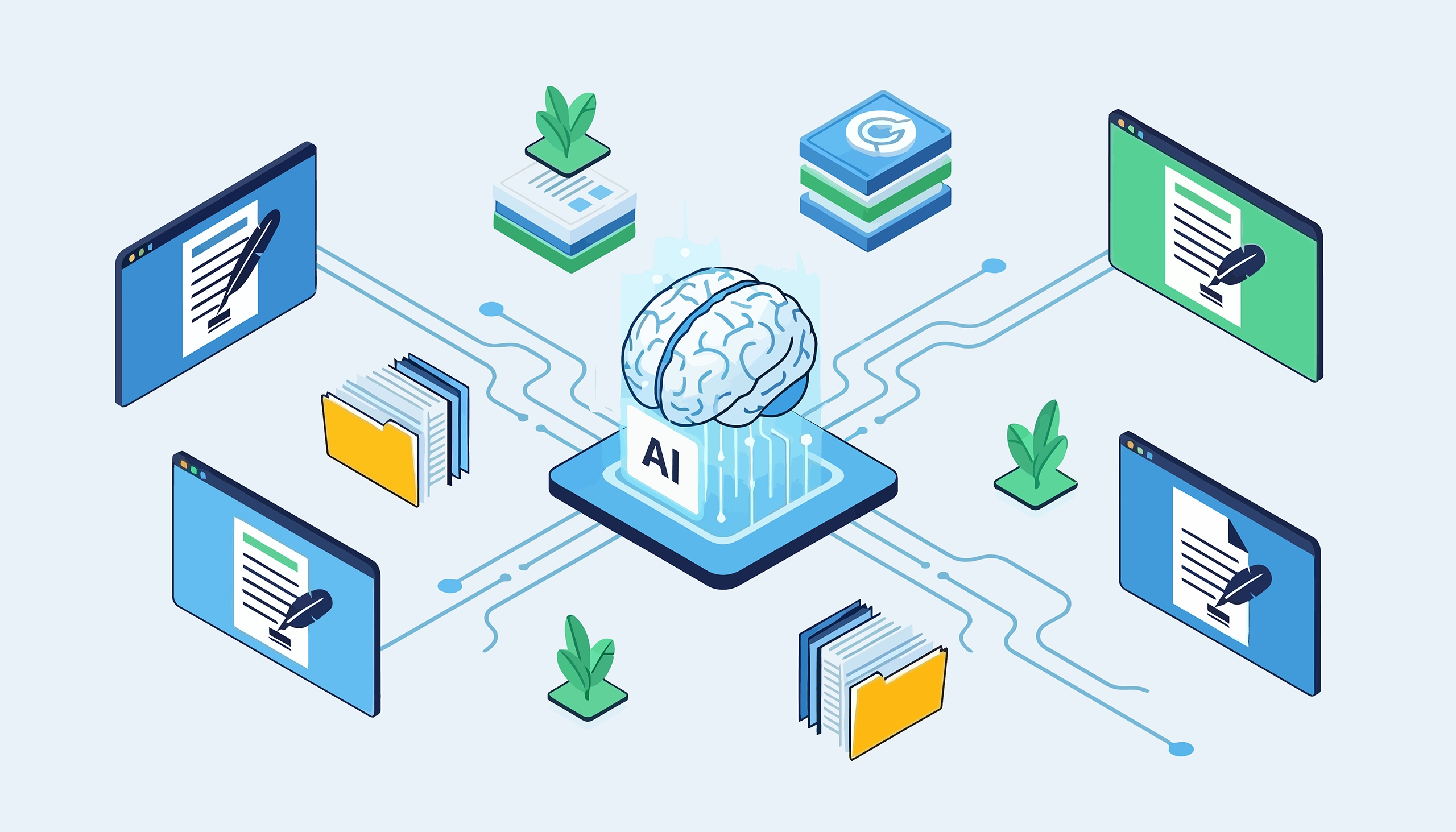
That’s exactly what Smart Forms + Workflow does.
The migration problem nobody talks about
Every electronic forms vendor shows you the shiny demo: drag a field here, add a dropdown there, preview it on a phone. It looks easy. And it is — for one form. But real organizations don’t have one form. They have dozens. Sometimes hundreds. HR has onboarding packets, performance reviews, leave requests, and benefits enrollment forms. Finance has invoice approvals, purchase orders, expense reports, and budget requests. Banking operations have deposit applications, loan documents, and account maintenance forms. Healthcare has patient intake, consent, assessments, and referral forms.
Rebuilding each of these manually — even with a drag-and-drop builder — takes hours per form. You need to study the paper version, recreate every field, configure validation rules, set up conditional logic, test it, and then map the export to your document management system. Multiply that by 50 or 100 forms and you’re looking at a project that stretches across months.
This is why many digital transformation projects stall after the pilot. The first two or three forms go well. Then the team realizes the remaining 97 forms represent weeks of work, and competing priorities take over.
Two ways AI changes the equation
Smart Forms + Workflow includes an AI assistant powered by Anthropic Claude and OpenAI GPT. It offers two distinct approaches to form creation — both dramatically faster than building from scratch.
Upload a PDF, get a working form
Take any existing paper form — a PDF scan, a fillable PDF, or even a photographed document — and upload it to the AI assistant. The AI analyzes the layout, identifies the fields, determines appropriate field types (text, date, dropdown, signature, file upload), and generates a complete smart form. Field labels, input types, required/optional settings, and page layout are all interpreted from the source document.
You open the generated form in the drag-and-drop builder and refine it: adjust field names, add validation rules, configure conditional logic that the paper form couldn’t express, and connect database lookups for auto-population. What would have taken a day of manual form building takes 15-20 minutes of refinement.
This is especially powerful for organizations with large libraries of existing PDF forms. Your HR department’s 30 paper forms become 30 smart forms in days instead of months.
Describe what you need in plain language
Don’t have an existing PDF? Describe the form you need in conversational language. For example:
“Create an employee onboarding form with personal information, emergency contacts, direct deposit details, policy acknowledgments, and IT equipment requests.”
The AI generates the complete form — multiple pages, appropriate field types for each section, logical grouping, and a clean layout. Personal information gets text fields with format validation. Emergency contacts get a repeating panel so employees can add multiple contacts. Direct deposit gets masked fields for routing and account numbers. Policy acknowledgments get checkbox confirmations. Equipment requests get dropdown selections.
You refine, add your specific validation rules and database connections, and publish. A form that would take 2-3 hours to build manually is ready in 20 minutes.
What the AI can and can’t do
Being clear about this matters, because overpromising on AI erodes trust.
What the AI does well:
It interprets form structure — sections, field groupings, and page breaks — from PDFs and
natural language descriptions. It selects appropriate field types based on the content (dates get date pickers, phone numbers get masked inputs, yes/no questions get radio buttons). It generates clean, well-organized layouts. And it handles the bulk of the initial form creation work that is repetitive and time-consuming when done manually.
What still needs human refinement:
Conditional logic specific to your business rules — like routing a banking deposit to Treasury when foreign currency is selected — needs to be configured by the form administrator after the AI generates the base form. Database lookups and cascading lookups require connection configuration. Export mappings to AppEnhancer, Easyfile, or SQL databases are set up through the visual mapping interface. And any organization-specific validation rules (minimum dollar amounts, date restrictions, approval thresholds) need to be added.
Think of the AI as handling 70-80% of the work — the structural, repetitive part — while you focus on the 20-30% that requires business knowledge. That’s still a 3-5x speedup on form creation.
A real example: Employee onboarding form
Here’s what the AI produces when given the prompt “Create an employee onboarding form with personal info, emergency contacts, and IT equipment requests”:
Page 1 — Personal information. Full name, email, phone number, date of birth — each with the correct input type. Phone gets an input mask. Email gets format validation. Date of birth gets a date picker.
Page 2 — Emergency contact. Contact name, relationship (dropdown), phone number. The AI creates a repeating panel so the employee can add multiple contacts.
Page 3 — Equipment. Laptop preference (dropdown: MacBook Pro, Dell XPS, etc.), monitor quantity (number field), peripherals (checkbox list: keyboard, mouse, headset, docking station).
Page 4 — Submit. Review section and submit button.
Total AI generation time: approximately 10 seconds. Time to refine, add your specific options to the dropdowns, connect to Active Directory for auto-populating the employee’s department and manager, and configure the workflow routing: approximately 15-20 minutes. Time to build the same form from scratch without AI: approximately 2-3 hours.
How this fits into the bigger picture
AI form creation is the on-ramp. It solves the migration problem that stops digital transformation projects from scaling. But the real value of Smart Forms + Workflow is what happens after the form is created:
Automated workflow routing sends submitted forms through multi-level approval chains with conditional logic — escalating invoices by dollar amount, routing HR forms to the right department, sending banking applications to Treasury when conditions are met.
Two-way database integration auto-populates fields from your ERP, CRM, or core business systems and pushes approved data back without manual re-entry. Cascading lookups filter options dynamically.
Native DMS export delivers completed forms and PDFs directly to AppEnhancer (AppXtender), Easyfile, or any SQL database — fully indexed and filed automatically.
Built-in analytics give you real-time visibility into submission volumes, completion rates, bottlenecks, and trends without exporting data.
Unlimited licensing means you can deploy across every department, every location, every user — no per-user fees, no submission caps.
The AI gets you from “we have 100 paper forms” to “we have 100 smart forms” in weeks instead of a year. The workflow automation, integration, and analytics turn those smart forms into automated business processes.
Getting started
The fastest path from paper to smart forms:
Step 1: Identify your 3-5 highest-volume or most error-prone paper forms. These are your pilot.
Step 2: Upload each PDF to the AI assistant. Review the generated forms and refine them in the drag-and-drop builder — add your business rules, validation, and database connections.
Step 3: Configure the workflow for each form — who approves, in what order, under what conditions.
Step 4: Set up the export mapping to deliver completed forms to your DMS.
Step 5: Publish and measure. Compare processing time, error rate, and approval cycle to the paper baseline.
Step 6: Scale. Use the AI to convert the next batch of forms. Each one goes faster as your team builds familiarity with the builder and workflow designer.
Most organizations complete their pilot (3-5 forms with workflows) in weeks and see immediate ROI — staff hours recovered, errors eliminated, approval cycles compressed from days to same-day.
Smart Forms + Workflow includes AI-powered form creation that converts PDFs to working digital forms in minutes — plus drag-and-drop building, multi-level workflow automation, DMS export to AppEnhancer and Easyfile, built-in analytics, and unlimited licensing. Available as SaaS or on-premises.